AICDKS The key shop for the AI era
First-hand supply, minimal markup
Gmail Gmail Account

Gmail Gmail Account

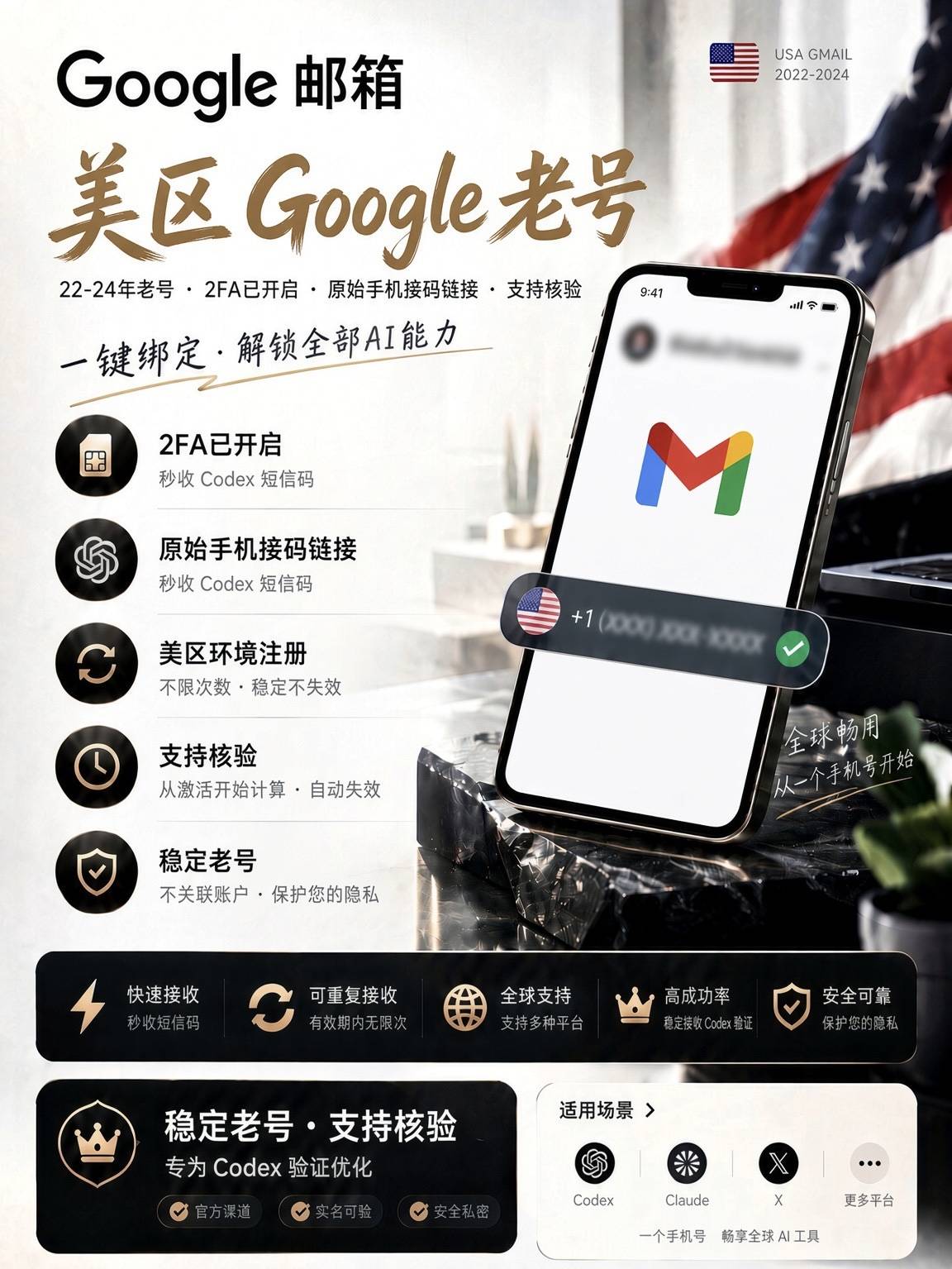
谷歌GMAIL Email US Region 新注册

Stock 174 · synced in real time
Price ¥9.39
Promise Pay via Alipay Platform escrow after-sales

Payment never touches this site: LDXP, a third-party escrow platform, collects payment and delivers — delivery is viewable anytime on its order page, with an official complaint channel if anything goes wrong.How escrow protects you

Product ID
114338
Product type
CDK / redemption code
Category
Gmail Gmail Account
Listed on
2026-11-19
Warranty
See merchant notes
Delivery
See merchant notes
After payment, delivery follows the merchant notes; check the order page anytime. Activation guides Any issue? Request after-sales / file a complaint right on the order page. After-sales help
Product details

The following is the merchant's original description; warranty and after-sales terms follow it.

GMAIL邮箱/2FA/美国地区   (保首登,其余一概不管现在可能很多号第三方授权也就是凭证无法获取显示要扫码)

请一定按照下方登录网站登录,不要再直接登录反重力等需要授权网站,本商品不保证第三方授权

现在风控严格可能登录后批量做号会跳人机,这种不售后

建议拿到货立即检查状态,售出后6H内保首登,其余一概不管。之后不退不换,批量可谈

以下为建议非保证:检查无误后,改2FA(不保证能改),检查转发,7-14天后改密码。

    虚拟物品卡密非首登问题不退不换,不保证学生资格


一、发货格式:卡密

包含:xxxxx@gmail.com-—123456-—xxxxx@bwmm4.xyz-—12a12a12a

  1. 第一段:账号(Google/Gmail 登录邮箱)
    在 Google 登录页的“邮箱或电话号码”里填写这一段。
  2. 第二段:密码
    输入账号后,下一步填写这一段密码。
  3. 第三段:辅助邮箱
    主要用于安全验证、找回流程或安全通知,不是每次登录都要求填。基本上无用可无视。
  4. 第四段:2FA 密钥
    用于在身份验证器里生成动态码。只有系统提示两步验证时才使用。
  5. 登陆后常常有提示设置电话号码住址等等可以直接跳过

二、登录地址:https://accounts.google.com/

你拿到发货信息后,登录顺序通常是:先账号→再密码→ 触发验证时再用2FA 动态码。

密码7-14天再更改,踢设备至少等24小时。

三、获取 2FA/改 2FA(两步验证)

  1. 什么是2FA???

就是账号中组成的32个英文字符串,只要写了2fa的,就找这个32位长字符串,他就是2fa。无论格式有没有空格都是一个东西。

如何用2fa解码???

打开2fa.show网站,把2fa串放进去,提交就可以看到20秒限定的码了,注意20秒后会变化,也就是会过期,过期后会有新的。无限制解码。

例如:jessacena040192@gmail.com----eU2HemGbmq8KPo----awme 4rba w5tu 524v 2dts tequ l5cn pyrx----2022

账户----密码----2fa码----年份

2.进入:两步验证设置页(点击跳转)

3.先看“Authenticator(身份验证器)”是否已绑定旧设备。

4.如需更换:先新增你自己的身份验证器,再移除旧的。

四、改密码(建议最后一步做)

  1. 进入:https://myaccount.google.com/security
  2. 找到“登录 Google”里的“密码”。
  3. 输入当前密码验证身份。
  4. 设置一个新密码(长度建议 12 位以上,大小写+数字+符号)。
  5. 保存后,记录到你自己的密码管理器。改密码会导致风控所以要么7-14天后改要么最后更改。


Purchase notes

  • Clicking “Buy now” redirects to LDXP's secure checkout; payment and delivery are completed by that platform.
  • Digital goods are delivered automatically after ordering; the key/account is viewable on the order page.
  • Usage, warranty and after-sales terms follow the listing on the checkout page; confirm there before buying if in doubt.
  • Digital goods are non-refundable once delivered; double-check the specs carefully.

FAQ

How do I use the key / redemption code?

After payment, the order page immediately shows the key or code. Activate it on the corresponding official site/platform per the listing. Confirm the supported region and platform.

How fast is delivery?

Items marked “auto delivery” ship immediately after payment; for others, follow the merchant's notes on the product page.

It doesn't work?

Within 24 hours, file a complaint directly on the LDXP order page; after 24 hours, use our After-sales page with your order number. Digital goods are non-refundable once delivered.

Also viewed · similar picks

View more
Support Guides ¥ 9.39